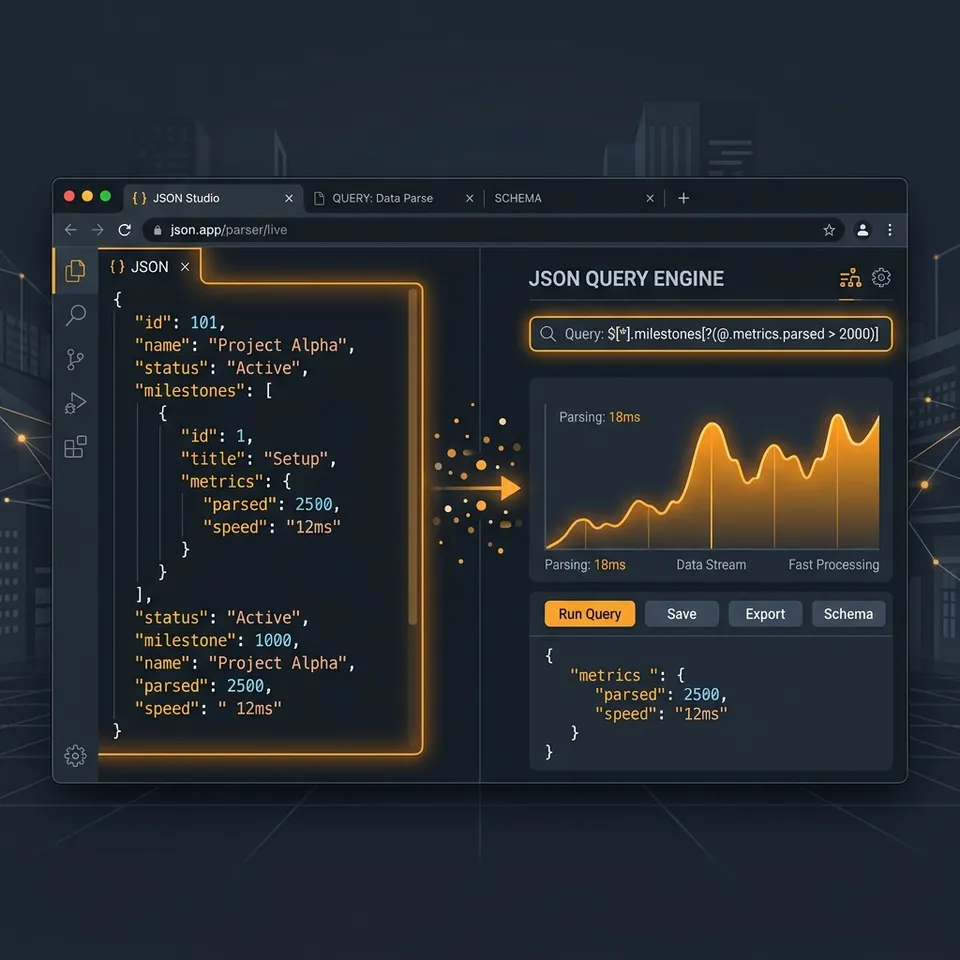
BLUF: Standard JSON formatters are dead. If you are pasting 5MB API payloads into a browser just to format whitespace, you are wasting time. I built a native, strictly developer-focused JSON Formatter at DevScrolls featuring an inline JSONPath query engine, Monaco-powered semantic diffing, and a non-destructive undo stack. Here is why the “simple” tools are broken, and the under-the-hood mechanics of how we fixed them.
The 5MB Payload Problem
We all do it. You hit a staging API, get a massive wall of text, and paste it into a random online formatter. But 99% of the time, you do not care about the entire payload. You care about extracting one specific nested array to see why the frontend crashed.
The standard workflow is miserable:
- Paste into a web formatter.
- Realize it’s too big to read.
- Save to a file.
- Open the terminal and write a
jqscript to filter it.
In 2026, AI era or not, developers want immediate feedback loops. That is why I built an inline JSONPath query engine directly into the editor header. You type $.data[*].profile.firstName, hit enter, and the editor instantly filters the 5MB payload down to an array of names.
The War Story: React vs. Monaco’s Undo Stack
Getting this to feel like a native IDE was not trivial. The biggest architectural friction came from mixing React’s declarative state with Monaco Editor’s imperative DOM manipulation.
1. The Destructive Formatter
Initially, when a user clicked “Query” or “Minify”, I injected the result using Monaco’s standard API:
// ❌ The wrong way: destroys the undo stack
editorRef.current.setValue(filteredJson);
The problem? setValue() programmatically wipes Monaco’s internal undo stack. If a developer ran a complex JSONPath query, copied their extracted data, and pressed Ctrl+Z to return to their original 5MB payload, nothing happened. The data was gone.
To fix this, we bypassed setValue and hooked directly into Monaco’s edit operations, forcing the engine to treat our programmatic formatting exactly like a user’s keystrokes:
// ✅ The right way: preserves Ctrl+Z history
const applyEditorChange = (editor: any, newText: string) => {
  const model = editor.getModel();
  model.pushEditOperations(
    [],
    [{ range: model.getFullModelRange(), text: newText }],
    () => null
  );
};
Now, querying acts as a non-destructive lens. You can query, format, and Ctrl+Z your way all the way back to the beginning.
2. The Reversed Typing Bug in Diff Mode
We also implemented a Side-by-Side Compare mode using Monaco’s DiffEditor. I wired the left pane (the original JSON) directly to React state:
<DiffEditor original={diffOriginalState} modified={inputState} />This created a nightmare re-render loop. Every time you typed a character in the left pane, React updated diffOriginalState, which forced the <DiffEditor> to re-render with a new original prop. When Monaco receives a new original prop, it aggressively resets the cursor to index 0.
If you typed “hello”, the cursor kept jumping to the front, resulting in “olleh”.
The fix was recognizing when to let React go. The left pane must be treated as an uncontrolled component. We pass a static diffOriginalInit ref on mount, and let Monaco handle all keystrokes internally without ever syncing back to React state.
Try it out
Basic tools slow down senior engineers. We need utilities that understand our workflows.
I’ll be diving deeper into the specific bundle-size trade-offs of using Monaco with Astro in next week’s newsletter.
Until then, stop copying and pasting into the terminal. Try the DevScrolls JSON Formatter and query your payloads natively.
What is your biggest debugging challenge right now? Hit reply to the newsletter and let me know.