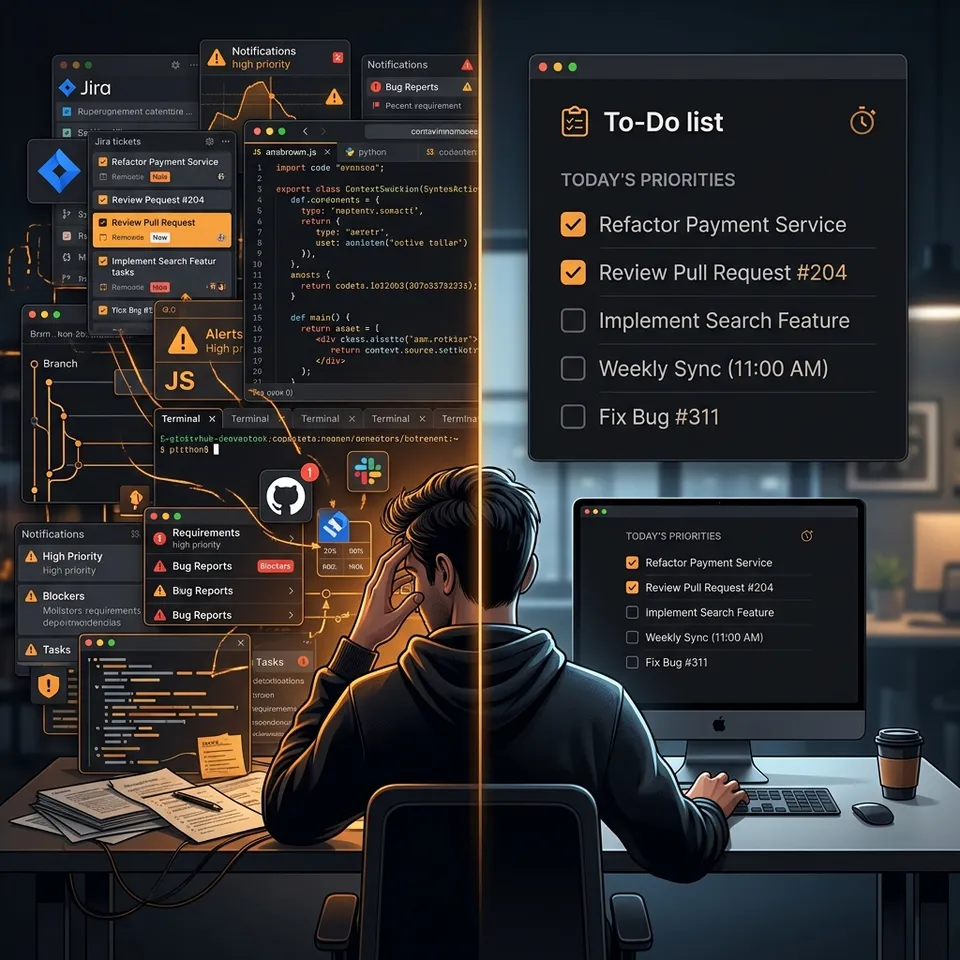
BLUF: Most todo apps try to solve everyone’s problems—shopping lists, team collaboration, and kanban boards. If you are an engineer constantly switching contexts, these heavy tools are actively slowing you down. A developer does not need a productivity suite to track what they must finish before closing their laptop today. In this article, I tear down the bloat of generic project management tools and explain the under-the-hood mechanics of building a local-first, keyboard-focused “Daily Companion” (DailyScroll) designed specifically for our workflows.
1. The Context Switching Problem
If you are a developer, your day is rarely linear. You don’t just sit down and write code for eight hours straight.
Developers constantly switch contexts. Let’s look at a typical day:
Morning:
- Standup
- Review a colleague’s PR
- Fix Bug #421
After lunch:
- Endless meetings
- Sudden production issue
- Helping a junior teammate unblock their environment
Evening: You sit back at your desk and realize you forgot the core feature that was actually supposed to be finished today. The mental overhead of keeping track of these micro-tasks is exhausting.
When you use heavy tools (like Jira or Notion) to track these micro-tasks, the friction of opening a ticket, tagging it, and updating a status board takes longer than the task itself. In other words, the tool becomes the work.
2. Core Philosophy: Not a Productivity App
A developer-focused daily tracker is a completely different problem than a generic to-do list.
The philosophy behind DailyScroll is simple: it is not a productivity app, and it is not a project management tool. It is just a Developer Daily Companion.
The workflow should be frictionless:
- Open it.
- Write today’s work.
- Finish it.
- Close it.
- Tomorrow starts fresh.
We don’t need infinite nesting. We don’t need cloud synchronization. We just need to know: “What am I supposed to finish before I close my laptop today?“
3. The Local-First Architecture
To make this tool blazingly fast, I intentionally stripped away the modern web stack bloat.
MVP (Version 1) mechanics:
- No login.
- No backend.
- No account.
- No database sync.
We rely entirely on LocalStorage. The state is instantly hydrated the millisecond the DOM paints.
For example:
// Hydrating the local state instantly on load
const savedData = localStorage.getItem('devscrolls-dailyscroll');
if (savedData) {
  setData(JSON.parse(savedData));
}
By skipping the network layer entirely, there is zero latency when adding a task or checking off a bug fix. It’s me from the experience 😉 — when your tools are instantly responsive, your brain stays in the flow state.
4. Keyboard-First Execution ⌨️
Developers hate touching the mouse. The layout is the heart of a website, but the keyboard is the steering wheel.
To eliminate friction, we implemented global hotkeys.
- Press
Cmd/Ctrl + K(or simplyN) to instantly jump to the task input. - Use inline text parsing to assign priority (
!high) or tags (#bug). - Hit
Escto instantly clear your search or input state.
You can able to manage your entire day without your hands ever leaving the keyboard. You can try the tool live at DailyScroll.
Conclusion
Building software isn’t just about writing code; it’s about managing your cognitive load. By building a tool specifically tailored to the developer’s daily war against context-switching, you reclaim your focus. Try shifting your micro-tasks out of Jira and into a fast, local-first companion. Trust me, it helps you to end your day with a clear head!